
Hover to zoom
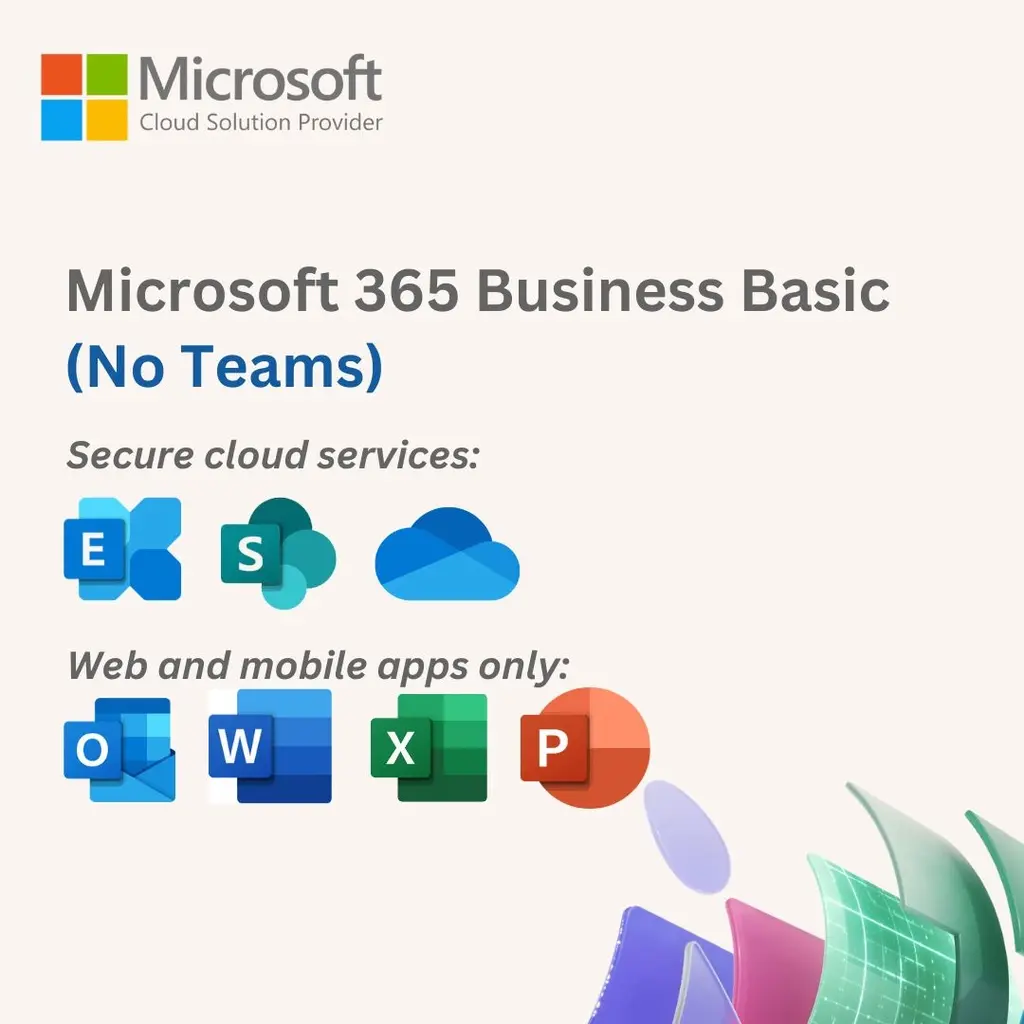
Microsoft 365 Business Basic (no Teams)
"Everything in Business Basic No Teams, plus: Apps and services to kick-start your business, including: Identity, access, and user management for up to 300 employees Custom business email (you@yourbusiness.com) Web and mobile versions of Word, Excel, PowerPoint, and Outlook 1 TB of cloud storage per employee 10+ additional apps for your business needs (Microsoft Bookings, Planner, Forms, and others) Automatic spam and malware filtering Anytime phone and web support Copilot for Microsoft 365, available as an add-on3"
Sold By: Nexus Technologies Inc.
Product Details
• Host email with a 50 GB mailbox and custom email domain address.
• Use Office apps for the web, including Outlook, Word, Excel, PowerPoint, and OneNote.
• Store and share files with 1 TB of OneDrive cloud storage per user.
• Get help anytime with around-the-clock phone and web support from Microsoft. Compatible with Windows 11, Windows 10, Windows 8.1, and the two most recent versions of macOS. All languages included
Requirements: Processor PC: 1 gigahertz (GHz) or faster x86- or x64-bit processor with SSE2 OSX: Intel processor Android: Android KitKat 4.4 or later version and have an ARM-based or Intel x86 processor iOS: N/A Operating System PC: Windows 7 Service Pack 1, Windows 8.1, Windows 10, Windows 10 Server, Windows Server 2012 R2, Windows Server 2008 R2, or Windows Server 2012 OSX: macOS Android: OS version: KitKat (4.4.X) or above iOS: Office for iPad® and iPhone® requires iOS 10.0 or later. Office for iPad Pro™ requires iOS 10.0 or later Memory PC: 1 GB RAM (32-bit); 2 GB RAM (64-bit) OSX: 4 GB RAM Android: 1 GB iOS: N/A Hard Disk Space PC: 3 GB of available disk space OSX: 6 GB HFS+ hard disk format Android: N/A iOS: N/A Display PC: 1024 x 768 resolution OSX: 1280 x 800 resolution Android: N/A iOS: N/A Additional requirements A touch-enabled device is required to use any multi-touch functionality. However, all features and functionality are always available by using a keyboard, mouse, or other standard- or accessible-input device. Note that new touch features are optimized for use with Windows 8 or later. Product functionality and graphics may vary based on your system configuration. Some features may require additional or advanced hardware or server connectivity. Internet functionality requires an internet connection. Microsoft account required.